One private, distraction-free place for everything you write: every format, every project. Built for the long haul: novelists, PhD students, dissertation writers, researchers, essayists, and anyone whose work outlives any one app. Your own iCloud is the sync. No account, no Cloister Ink server, no company in the middle of your writing.
7 days free · then $59.99 USD once · no subscription
A free download with a seven-day trial of the whole app, then one purchase that covers Mac, iPad, and iPhone. No subscription, no account, no Cloister Ink server.
The problem
Newsletter drafts in one app. Essays in another. Notes and half-ideas scattered across five apps and three formats. The tools aren't bad; there are just too many of them, and none of them is the place.
And every AI writing app makes it worse: "Generate a post." "Rewrite this." "Make it sound professional." The result is everyone sounding the same. You can smell it from the first line. Worse, most of them want your account, your files on their server, and a license to read your work to "help."
Every format, every project, in one distraction-free vault. Drafts, essays, dissertation chapters, notes, half-ideas, finally in the same place.
Your devices stay in step through the iCloud you already own, or keep a vault on this device only, no cloud at all. No Cloister Ink account. No Cloister Ink server. Nothing between your devices but Apple and you.
The AI can flag, question, and suggest a revision. It never writes uninvited, and nothing changes in your document until you accept it. You decide everything, and you can turn it off entirely.
What's inside
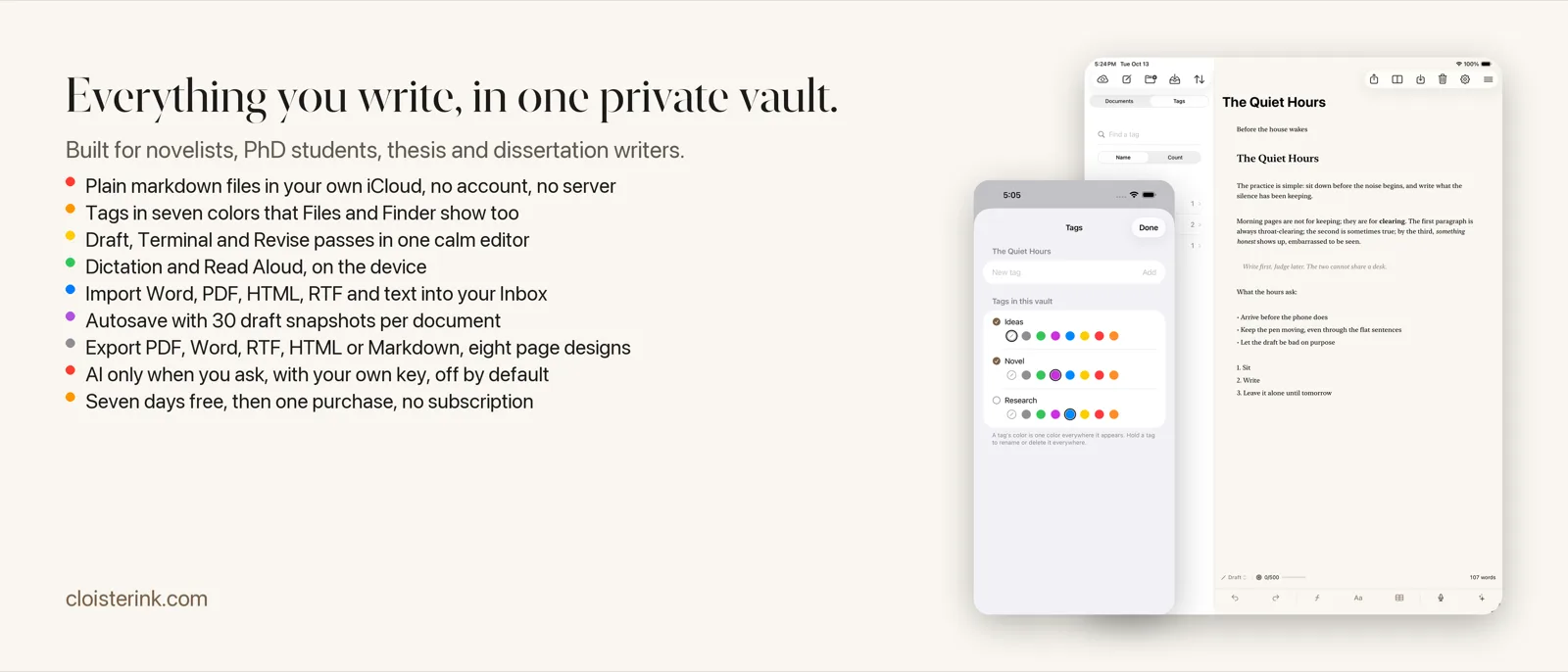
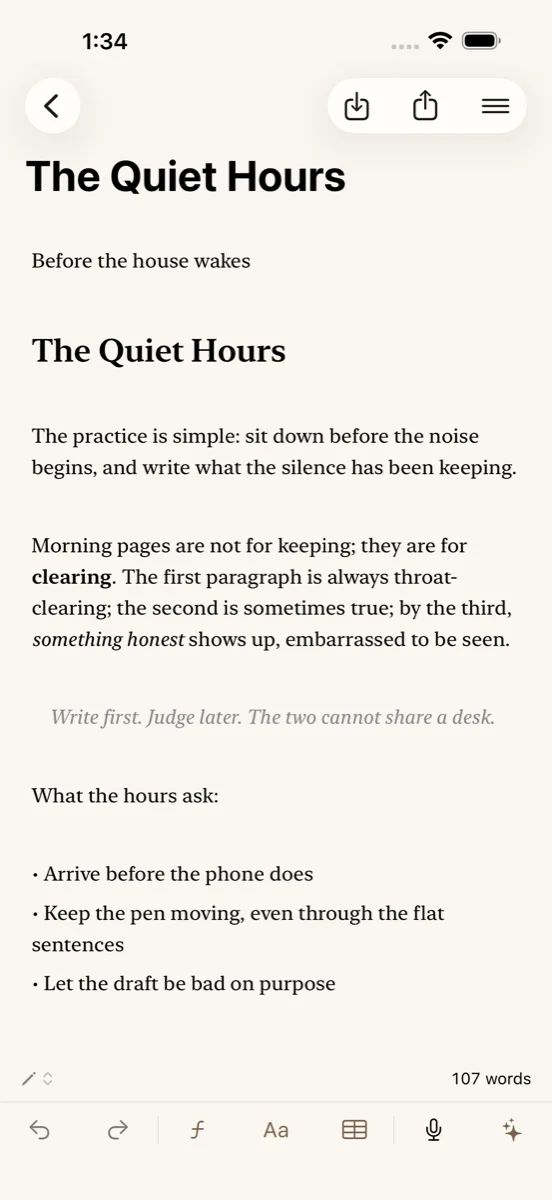
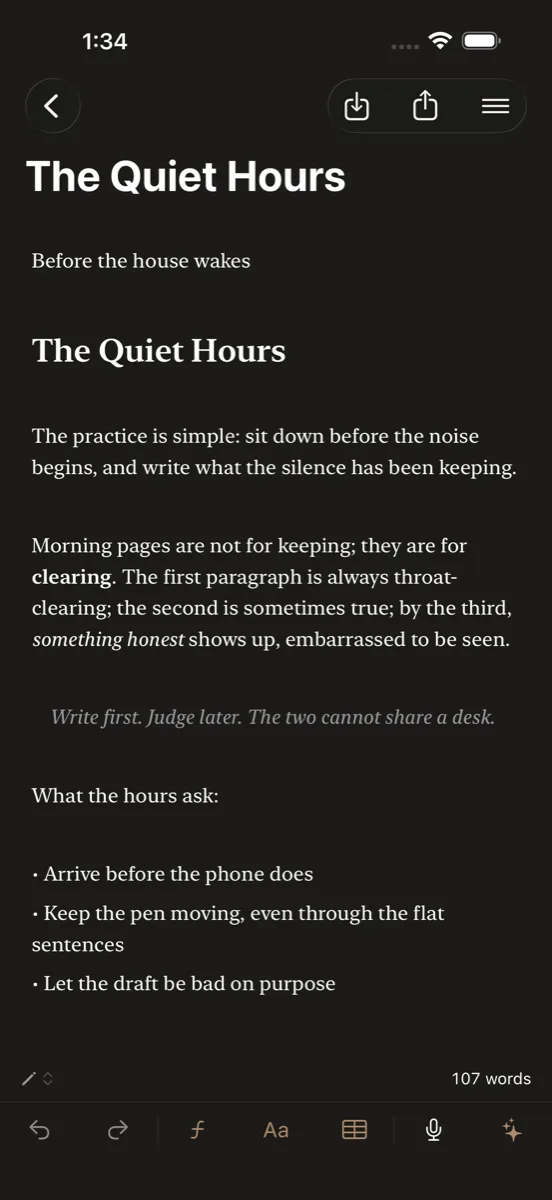
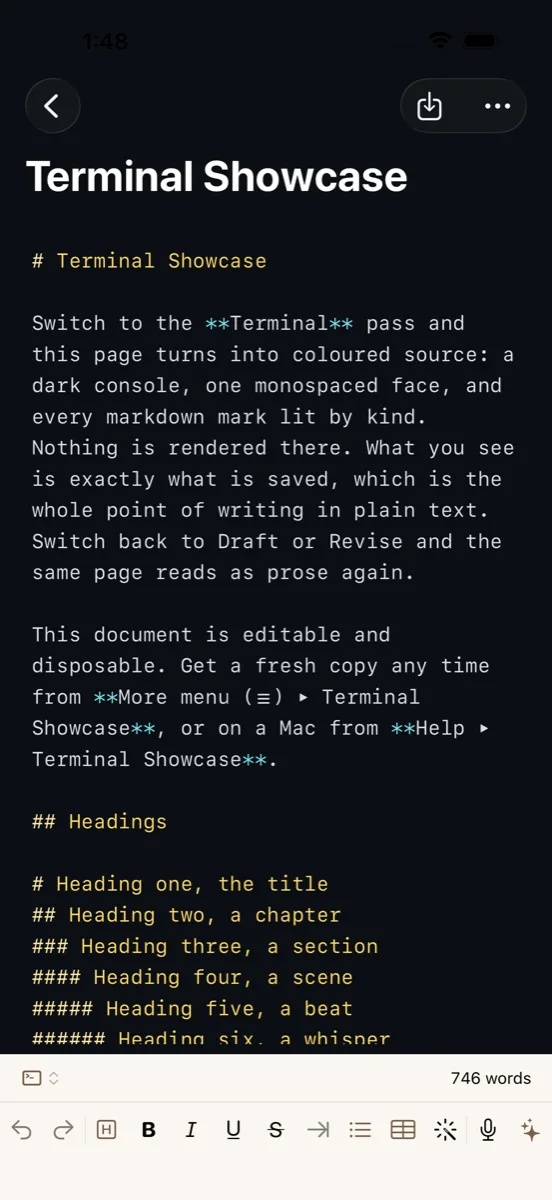
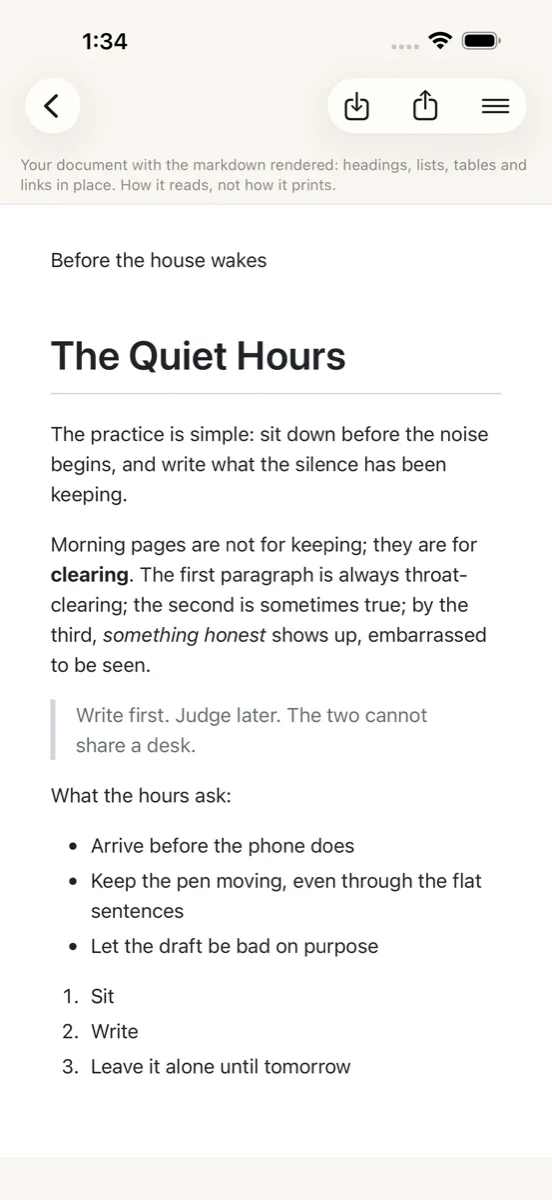
Cloister Ink is a folder of plain markdown files, not a database. Every document is yours to open in any editor on any machine, and the app around them does the work a writer's desk should do.
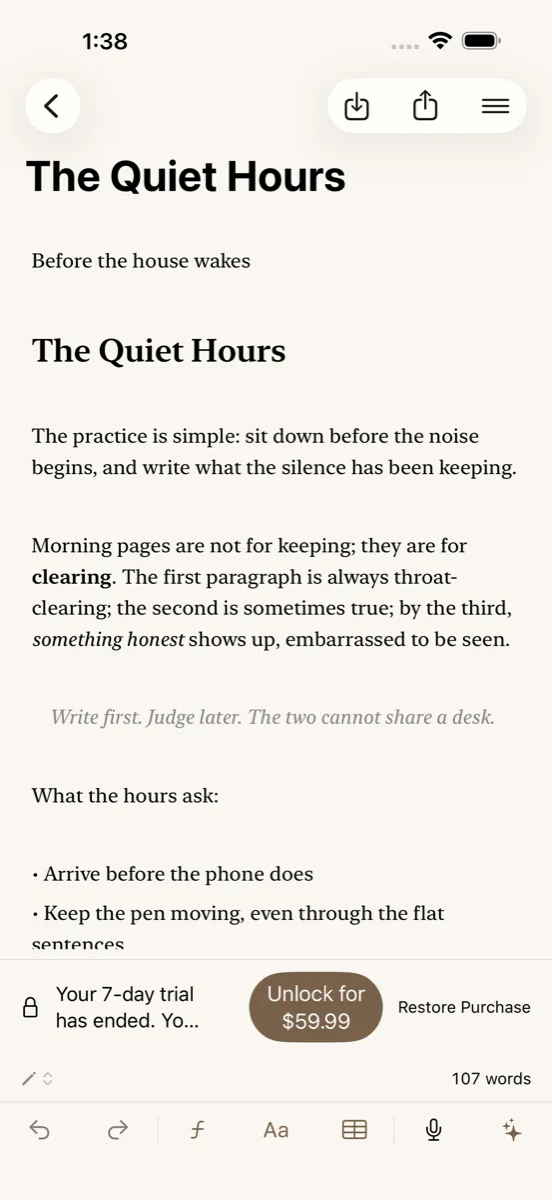
Try it free
If you let the trial lapse, your files stay yours and stay open. You can read, search, preview, export, share, and move every document; writing new words waits for the purchase. The app checks your trial and purchase with Apple's App Store, and nothing you write is part of those checks.
Recent work
On the App Store now
Try it free for seven days. Cloister Ink is a free download with a seven-day trial of the whole app, then one purchase, once. Already bought it? The app checks Apple's records for an earlier purchase when it opens.
Share is one tap. The Share button opens the share sheet with your note itself, ready for AirDrop, Files, Mail, or any app. PDF, Word, RTF, HTML, Markdown, and plain text now live under Export in the More menu, beside Import.
Sharing into Cloister Ink. Send a page, a link, or a file from another app and choose iCloud Inbox or Local Inbox for that one note. A note reaches its name whole or not at all.
On the App Store for iPhone and iPad now, October 2026. The Mac update is with Apple for review.
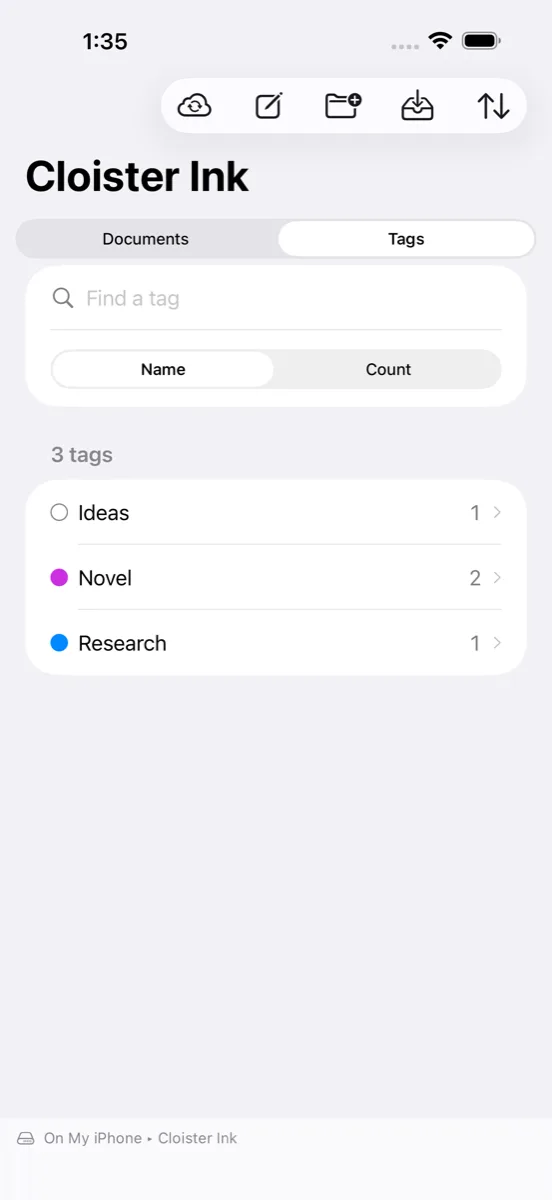
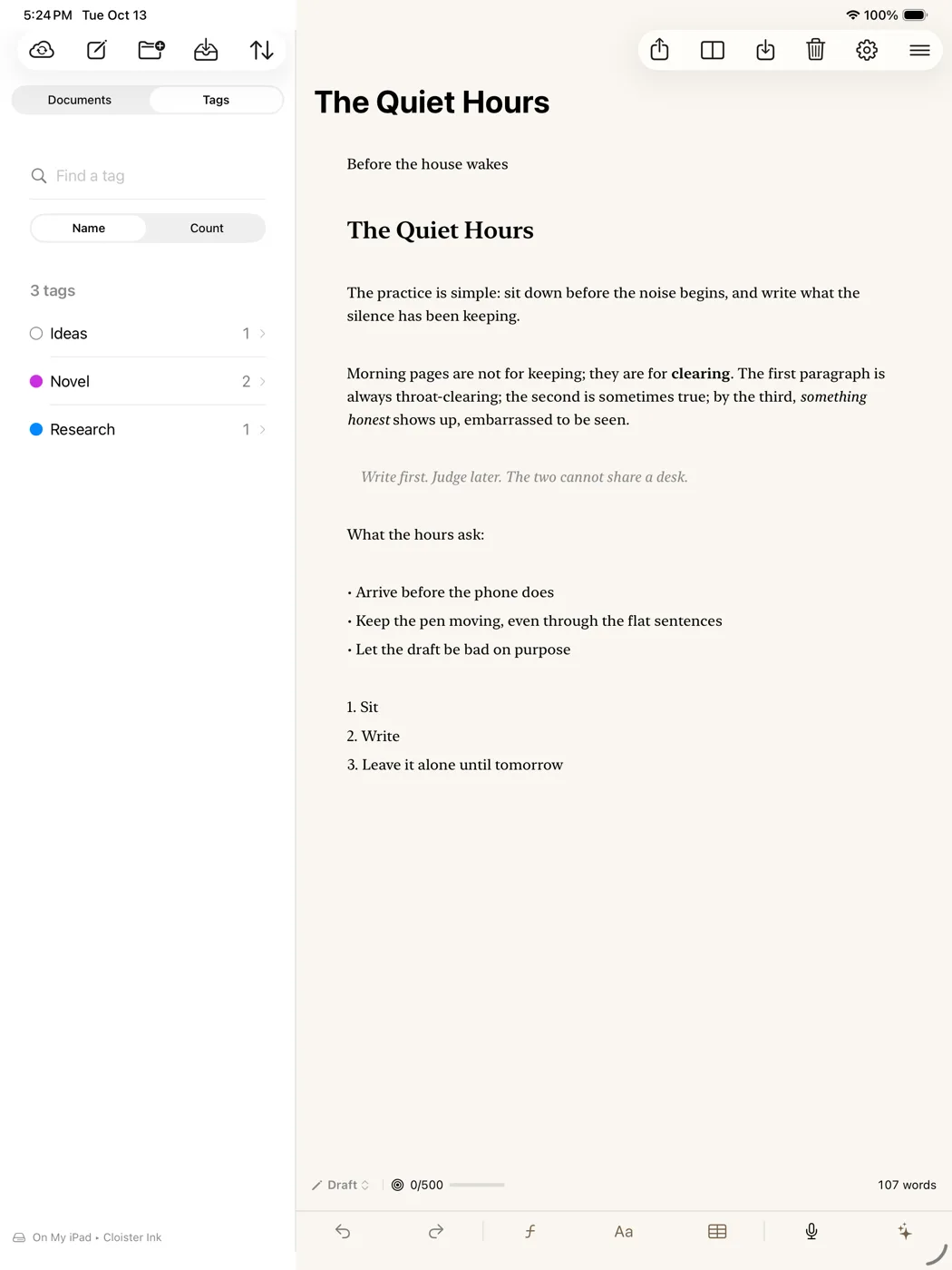
Tags. Give any document a tag and one of seven colors, or tag several at once. The sidebar gains a Tags tab with every tag and its count. They are real Finder tags on the file, so Files, Finder, and Spotlight show the same ones, and a tag's color travels with the vault.
A name first. A new document opens on its name, so it is never Untitled unless you want it to be. Info in the title and row menus shows when a document was created and last changed.
Getting Started. A six-page walkthrough with live previews opens the first time you run the app and lands on a Welcome checklist. Show it again any time from Settings.
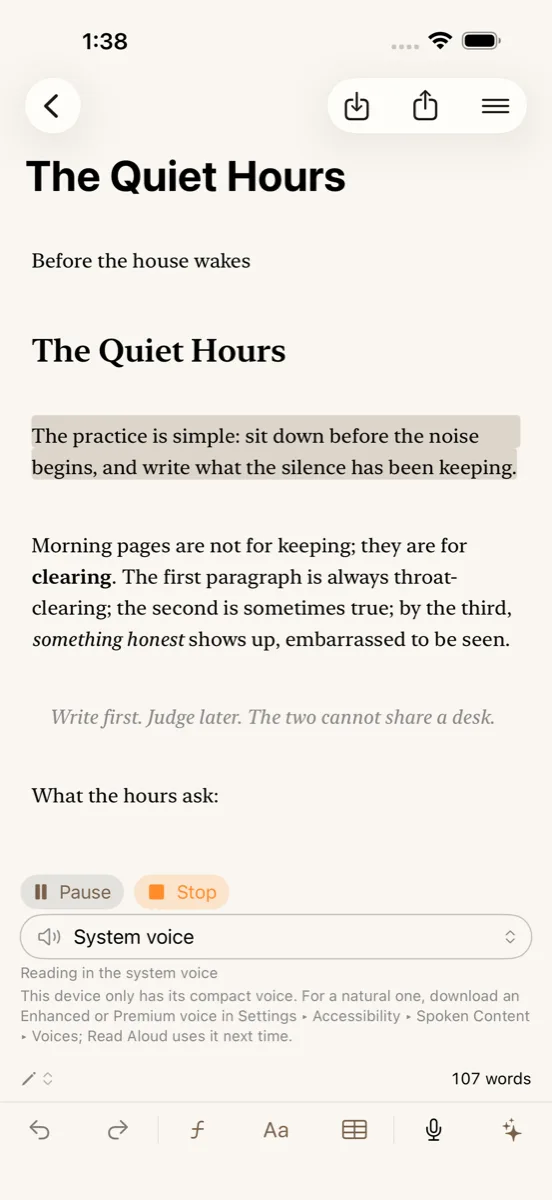
Read Aloud, sentence by sentence. An endpoint voice now reads one sentence at a time, each tinted on the page as it is read. Choose xAI (Grok) as the voice in Settings, fetch its voices with your own key, and pick eve, ara, rex, or another.
The iCloud vault
Cloister Ink server: doesn't exist. By design.
Your writing syncs between your devices through your iCloud, under your Apple ID. Cloister Ink has no cloud of its own: no Cloister Ink server to breach, no database with your drafts in it, no account with your name on it. Your writing lives in your iCloud, under Apple's standard protections; turn on Apple's Advanced Data Protection and it is end-to-end encrypted.
No sign-up. No login. Open the app and write. iCloud is the account.
Privacy, provable
When you want the editor's opinion, you select the text, you press the button, and it goes out under your own API key, with a visible indicator every single time. That is the only request Cloister Ink's own code makes. The other network path on this page is your own iCloud sync, which Apple runs under your Apple ID. No telemetry, no background sync to anyone's server, no quiet "improvements" trained on your drafts.
As shipped today, that isn't a policy that could change. It's the architecture. We cannot read your writing. It is built that way on purpose.
Why it costs what it costs
Cloister Ink is built by people who had this exact problem, and it runs on our own Macs every morning before it runs anywhere else. The first seven days are free, with the whole app on. After that the price covers Mac, iPad, and iPhone together, once. There is no account to keep alive, no server to pay for, and nothing that stops working if you stop paying, because there is nothing to stop paying. Your files are plain markdown in your own iCloud, and they open in any text editor on any machine whether this app is installed or not. Apple handles every purchase and refund under its own policies.
Free for seven days, then $59.99 once. One purchase covers iPhone, iPad, and Mac.
Questions
No. There is no Cloister Ink account to create and no password to manage. Your iCloud is the account; sync happens through the Apple ID already on your devices.
Yes. Cloister Ink is on Mac, iPad, and iPhone, and one purchase covers all three.
No. The file list shows each document's sync badge, and reading that status from iCloud takes a moment per file. Since 1.0.15 that reading happens off the writing thread: the list appears at once, the badges settle a moment later, and the keyboard never waits on it.
No, and that's deliberate. Cloister Ink is built for Apple platforms only, on iCloud, so your writing never has to touch a third-party server. Going iCloud-only is what makes "no account, no server" possible.
Only the text you select, only when you trigger it, only under your own API key, with a visible indicator each time. The AI suggests revisions to what you already wrote; it never drafts for you, and nothing lands in your document unless you accept it. You can switch it off entirely and use Cloister Ink as a pure private vault.
No. Cloister Ink is a free download with a seven-day trial of the whole app. After that you pay once on the App Store and it's yours. The AI editor runs on your own key, so there's no ongoing cost to pass on to you.
Your files stay yours and stay open. You can read, search, preview, export, share, and move every document. Writing new words waits for the one-time purchase. The app checks your trial and purchase with Apple's App Store, and nothing you write is part of those checks.
No. The app checks Apple's records for an earlier purchase when it opens and unlocks on its own. If it does not, tap Restore Purchase in the bar at the foot of the editor.
Cloister Ink is a one time purchase on the App Store, so there is nothing to renew and nothing to cancel. Buying once covers Mac, iPad, and iPhone, and Family Sharing is on for the unlock. If the App Store price changes, that does not change what you paid or affect the copy you already own.
Import Word, PDF, HTML, RTF, and plain text into your Inbox, or share a page, a link, or a file into Cloister Ink from another app. Export any document as PDF, Word, RTF, HTML, Markdown, or plain text, with eight page designs to choose from.
You buy through the App Store, so refunds go through Apple. Request one at reportaproblem.apple.com.